Introduuction
Music, podcasts, and other sounds are no longer kept only on a disc, a phone, or a computer. Most of them now live online, and cloud connected audio is the way that sound travels from the internet to your speakers or headphones. In this guide, you will learn what it means, how it works, and how to start using it. Everything is written in simple words, so you can understand it even if you have never worked with sound systems before.
What Is Cloud Connected Audio?
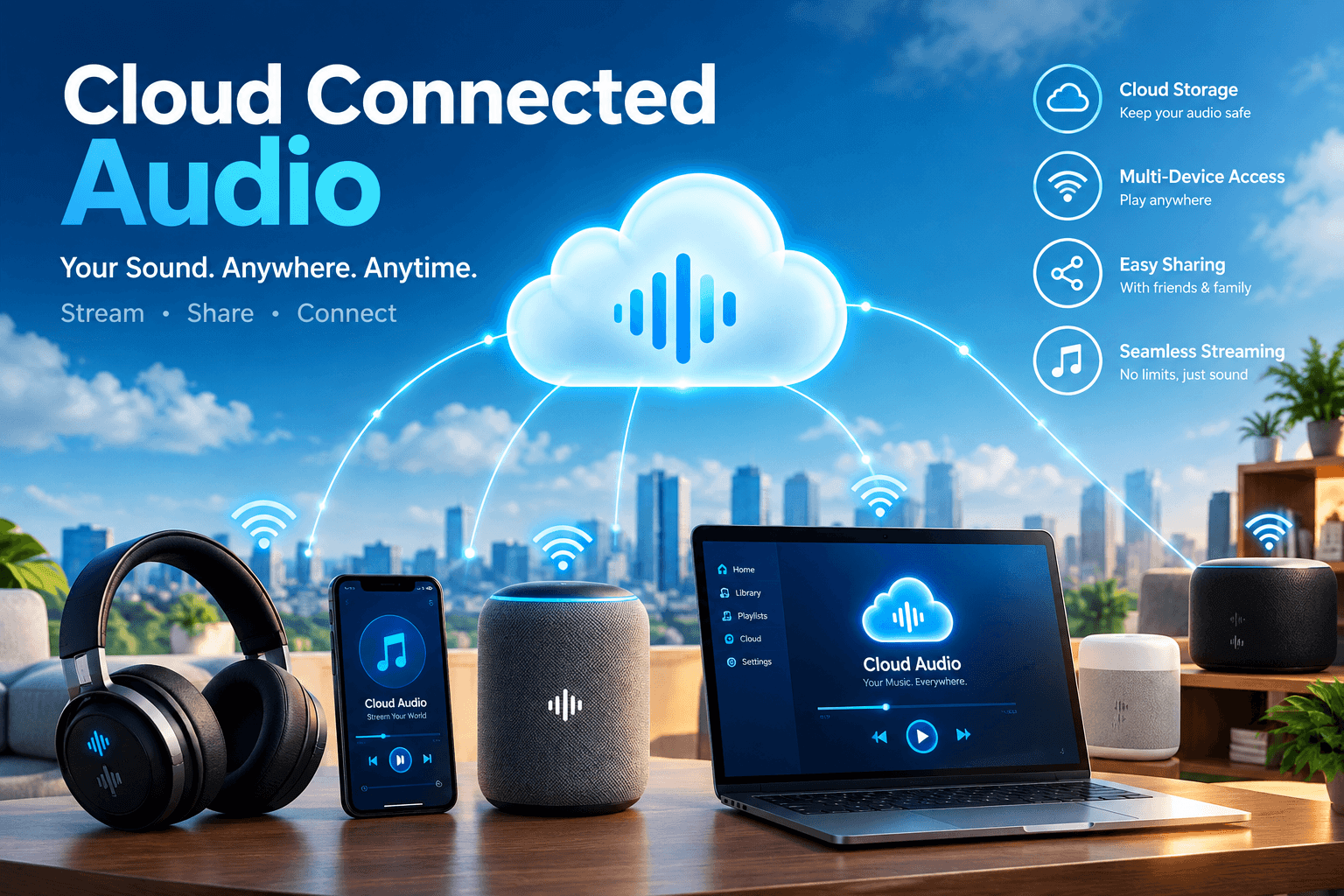
Cloud connected audio is a system where your speakers, headphones, or sound devices get their audio through the internet instead of from a local file or a cable. The word “cloud” simply means a large group of computers that store data and send it to you when you ask for it. When you press play, your device asks those computers for the song or sound, and it arrives in a few seconds. You do not have to keep the files yourself, so your phone or computer stays free for other jobs. This idea is behind most music apps, podcast apps, and smart speakers that people use every day.
How Cloud Connected Audio Works
The process is easier than it sounds. First, the audio file is stored on a server, which is a powerful computer that stays on all day. When you ask for a song, your device sends a small request over your internet connection. The server answers by sending the sound in tiny pieces, and your device plays each piece while the next one is still arriving. This is called streaming, and it is why you can start listening before the whole file is downloaded. If your internet is steady, the sound plays smoothly without breaks.
Main Parts of a Cloud Audio System
A cloud audio setup has three simple parts. The first part is the source, which is the server or online service that holds the sound. The second part is the connection, which is your Wi-Fi or wired internet that carries the sound to you. The third part is the player, which can be a speaker, a phone, a computer, a tablet, or a smart device. Sometimes there is also an app that lets you pick songs and control the volume. When all three parts work well together, you get clear sound with very little effort and no messy wires.
Benefits of Cloud Connected Audio
The biggest benefit of cloud connected audio is freedom. You are not tied to one device, one room, or one memory card, and you can listen almost anywhere there is an internet connection. Updates also happen in the background, so your system can get new features without you buying new gear. Many people like that they can share the same account with their family and still keep their own playlists. Another plus is that the setup can grow with you, because you can add more speakers later without starting again from zero.
Easy Access From Any Device
One account can work on many devices, and that is a big help in daily life. You can start a song on your phone in the morning, continue it on your laptop at work, and finish it on a home speaker at night. Your playlists, favorites, and settings follow you because they are saved online and not on one machine. This also means that if your phone breaks or gets lost, your music is not gone. You just sign in on a new device and everything comes back in a few minutes.
Better Sound Quality Over Time
Online audio services keep improving their sound, and you often get these improvements for free. Better file types, cleaner compression, and smarter volume control are added to the server, so your listening gets better without any change on your side. Many services also let you choose between normal quality and high quality, depending on your internet speed and your data plan. If you have good speakers or headphones, picking a higher setting can bring out more detail in voices and instruments. It is worth testing both options to hear the difference yourself.
Saves Storage Space
Audio files can take up a lot of room, especially if you have thousands of songs or many hours of recordings. With cloud connected audio, you do not need to keep all of that on your own device, because the files stay online until you want to hear them. This is very helpful for phones and laptops that already have little space left. You can still save a few favorite songs for offline use if you like. That way you enjoy the best of both worlds, a light device and music that is ready when you have no signal.
Multi-Room Audio at Home
Many families like to play the same music in the kitchen, the living room, and the garden at the same time. Cloud connected audio makes this easy because each speaker joins the same network and plays the same stream together. You can also play different songs in different rooms if you want, and control everything from one phone app. There is no need to run long cables through the walls, which saves money and keeps your home neat. This is a nice way to fill a home with sound for parties, family time, or quiet evenings.
Cloud Connected Audio for Business
Shops, cafes, offices, gyms, and clinics all use sound to create the right mood for their visitors. Cloud connected audio lets a business manage its music from one place, even if it has many branches in different cities. The owner can set playlists, change the volume, and pick a schedule from a laptop without visiting each location. This keeps the brand sound the same everywhere and saves a lot of time. It is also easier to send announcements, offers, or short messages to all speakers whenever they are needed.
Tips for Creators and Podcasters
People who make podcasts, videos, or music can also gain a lot from online audio. They can upload their work once, and listeners around the world can hear it without any extra steps. Cloud connected audio helps creators share files with an editor or a partner in another country in just a few clicks. Backups are also safer, because a spare copy sits online if the main computer fails. If you create content, always keep your own copy as well, and use clear file names so your work stays easy to find later.
Internet Speed You Need
You do not need a very fast connection for this to work well. Cloud connected audio does not need a very fast plan, because normal streaming uses only a small part of a typical home connection. As a rough guide, a steady connection of a few megabits per second is enough for standard quality, while high quality needs a little more. What matters more is that the connection stays stable and does not drop again and again. If your sound keeps stopping, the problem is often a weak signal and not a slow plan.
Wi-Fi vs Wired Connection
Wi-Fi is the most popular choice because it is simple and has no cables. It works well in small homes, but walls, distance, and other devices can weaken the signal. A wired connection, using a network cable, is often more stable and is a good pick for important places like offices, studios, and shops. If you must use Wi-Fi, place your router in the middle of your space and keep it away from thick walls. A good rule is to use a cable where you need the most trust and Wi-Fi everywhere else.
Security and Privacy Tips
Anything connected to the internet needs a little care, and sound devices are no different. Always use a strong password for your account and your Wi-Fi, and do not share them with strangers. Keep your apps and device software updated, because updates often fix safety problems. If a speaker has a microphone, learn how to turn it off when you do not need it. It is also smart to check which apps have permission to use your data, and remove the ones you no longer use.
Common Problems and Easy Fixes
Most problems with cloud connected audio are small and can be fixed in minutes. If the sound stops or jumps, restart your router and check how many devices are using the network. If a speaker does not show up in the app, make sure both are on the same Wi-Fi and try turning the speaker off and on again. If the sound is low, check the volume on the app, the phone, and the speaker, because all three can be set differently. Updating the app and the device software solves many other strange issues.
How to Choose the Right Setup
Start by thinking about where you will use it and how many people will listen. A small home may need only one or two speakers, while a shop or office may need many. Pick a cloud connected audio setup that works with the phones and apps you already use, so you do not face problems later. Check the reviews, the warranty, and how easy the app is to use. Also set a budget before you shop, because it is easy to spend more than you planned when there are so many choices.
How to Get Started Today
Getting started is easier than most people think. First, choose an audio service or app and create an account. Next, connect your speaker or device to your Wi-Fi by following the steps in its manual or app. Then pick a song or playlist, press play, and adjust the volume to a level you like. If something does not work, go back one step and check your connection. After a few days of use, you will feel comfortable, and you can add more speakers or features whenever you are ready.
Final Thoughts
Cloud connected audio is a simple and flexible way to enjoy sound at home, at work, or on the move. It saves space, works on many devices, and keeps getting better without much effort from you. With a steady internet connection, a few basic safety habits, and a setup that fits your needs, you can enjoy clear sound without the mess of wires and files. Start small, learn as you go, and grow your system step by step.