Introduction
Podcasting has never been easier, and a big reason for that is the rise of smart software. If you’re curious about what AI podcast tools 2026 has to offer, this guide breaks it all down in plain language so you can create, edit, and grow your show with far less stress.
What Are AI Podcast Tools?
AI podcast tools are software programs that use artificial intelligence to handle many of the tasks that once ate up hours of a creator’s time. Instead of manually cutting out awkward pauses, cleaning background noise, or typing out full transcripts by hand, you let the software do the heavy lifting. These tools can record your audio, polish the sound, remove filler words like “um” and “uh,” write show notes, and even suggest catchy episode titles.
Some go further, turning a single episode into clips, blog posts, and social media snippets. The beauty of these tools is that they learn patterns in speech and audio, which means they get faster and more accurate the more people use them. For anyone starting a podcast today, this technology removes many of the technical barriers that used to scare people away from hitting record in the first place.
Why AI Podcast Tools Matter in 2026
The podcast world has grown crowded, and standing out takes more than just a good microphone and an interesting idea. In 2026, listeners expect clean audio, quick uploads, and content they can find easily through search. This is where AI steps in and changes the game for everyday creators. What used to require a full production team can now be managed by one person working from a laptop.
That shift matters because it lets creators focus on what they actually enjoy, which is talking, storytelling, and connecting with an audience. Beyond convenience, these tools help level the playing field. A solo creator with a smart tool can produce content that sounds nearly as polished as a studio show. As competition rises, saving time while boosting quality is no longer a luxury but a genuine need for anyone serious about growing a podcast.
How AI Podcast Tools Actually Work
Most of these tools rely on machine learning models trained on huge amounts of audio and text. When you upload a recording, the software analyzes the sound waves, identifies each speaker, and separates voices from background noise. It then converts your speech into text, which powers features like transcripts, captions, and searchable show notes. From there, the tool can spot mistakes, trim dead air, and balance volume levels so every voice sounds even.
Newer systems in 2026 can even understand context, meaning they know the difference between a meaningful pause and an accidental gap. This deeper understanding leads to cleaner edits that feel natural rather than robotic. The best part is that you rarely need to understand the technical side at all. You simply record, upload, and let the tool guide you through simple steps until you have a finished episode ready to share with the world.
Key Features to Look For
When shopping for a podcast tool, certain features truly make a difference in your daily workflow. First, look for strong audio cleanup that removes hiss, echo, and background chatter without making voices sound flat or artificial. Next, prioritize accurate transcription, since this feeds so many other useful features. A good tool should also offer filler word removal, easy multitrack recording for interviews, and simple export options.
Many top platforms now include content repurposing, which automatically creates short video clips and written summaries you can post elsewhere. Cloud storage, remote recording for guests in different locations, and built-in publishing to major directories are also worth checking. Finally, pay attention to how easy the interface feels. A tool packed with powerful features means little if you cannot figure out how to use them without watching an hour of tutorials first.
Top Benefits of Using AI Podcast Tools
The advantages of these tools go far beyond simply saving time. For starters, they dramatically lower the learning curve, so beginners can produce professional-sounding episodes almost immediately. They also cut costs, since one affordable subscription can replace expensive editing software and even freelance editors. Consistency improves too, because the software applies the same quality standards to every single episode.
Perhaps most valuable is the boost to your reach. Automatic transcripts and show notes make your content easier to find through search engines, while auto-generated clips help you spread your message across social platforms without extra effort. Together, these benefits free you to spend more energy on creativity and audience connection. Instead of drowning in technical tasks, you get to focus on producing content people genuinely want to hear, which is the whole point of podcasting in the first place.
Common Limitations to Keep in Mind
As helpful as these tools are, they are not perfect, and it helps to know their weak spots before you rely on them completely. Transcription accuracy can drop when dealing with heavy accents, technical jargon, or poor recording conditions. Automated edits sometimes cut moments you actually wanted to keep, so a quick review is always wise. Content generated for show notes or titles may feel generic and often needs a human touch to match your unique voice.
There are also privacy concerns, since your audio gets processed on external servers. On top of that, the most advanced features usually sit behind higher pricing tiers, which can add up for creators on a tight budget. None of these issues are dealbreakers, but understanding them helps you set realistic expectations and use the tools as helpful assistants rather than complete replacements for your own judgment.
How to Choose the Right AI Podcast Tool
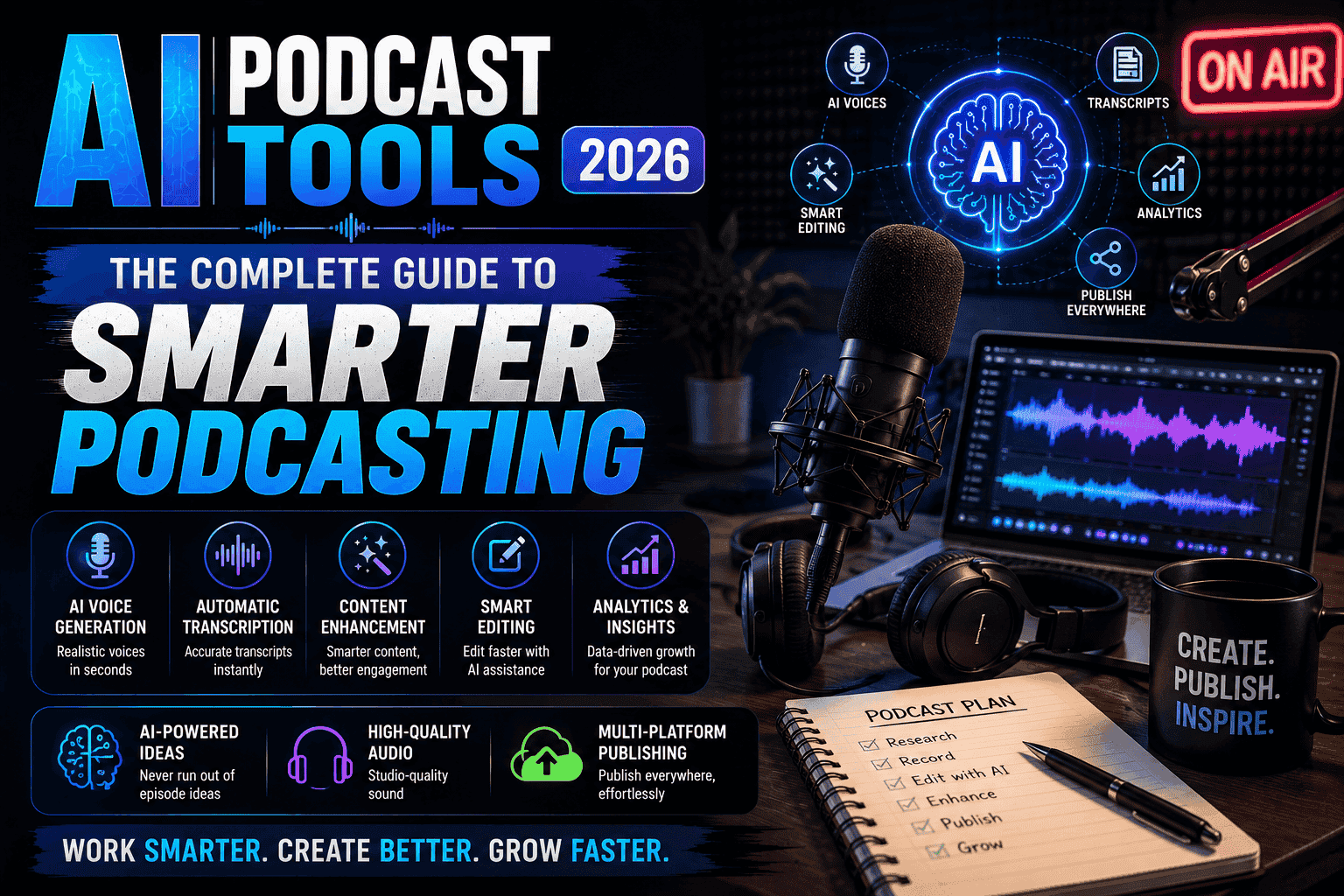
Picking the right tool starts with honestly assessing your own needs and skill level. A hobbyist recording solo episodes has very different requirements than a business running a polished weekly interview show. Begin by listing the tasks that frustrate you most, whether that is editing, transcribing, or promoting episodes, and look for tools that solve those specific problems.
Next, consider your budget and check whether a free trial is available so you can test before committing. Pay close attention to audio quality output, since that is the one thing listeners notice instantly. Read recent reviews from real creators rather than trusting marketing claims alone. Finally, think about growth. Choose a platform that can scale with you, offering room to add guests, publish faster, and repurpose content as your audience expands. Taking time on this decision saves you the headache of switching tools later.
Standout AI Podcast Tools in 2026
Several platforms have earned strong reputations this year for reliability and results. Descript remains a favorite for its text-based editing, which lets you edit audio simply by deleting words from a transcript. Riverside continues to shine for high-quality remote recording, capturing crisp local audio even when guests join from across the globe. Adobe Podcast has impressed many with its powerful noise removal that rescues recordings made in less-than-ideal spaces.
Podcastle appeals to beginners thanks to its all-in-one approach and friendly interface, while Auphonic wins praise for automated audio balancing that makes every episode sound consistent. Each of these tools brings something different to the table, so the best choice depends on your priorities. Trying a few during their free trials is the smartest way to discover which one truly fits your style and workflow.
Practical Tips for Getting the Best Results
To get the most from any tool, start with the best raw recording you can manage. Use a decent microphone, record in a quiet room, and speak clearly, since clean input always leads to cleaner output. Always review automated edits and transcripts before publishing, because a quick check catches the small errors that software misses. Save your original files in case you want to re-edit later with different settings.
Take advantage of repurposing features by turning highlights into clips, but add your own personality when writing captions so your brand voice stays strong. Finally, do not try to use every feature at once. Master one or two functions first, then gradually explore more as you grow comfortable. This steady approach keeps you from feeling overwhelmed and helps you build a smooth, repeatable routine.
Are AI Podcast Tools Worth the Investment?
For most creators, the answer is a clear yes. The time saved alone often justifies the cost, and the quality boost helps your show compete in a crowded space. Even budget-conscious podcasters can find affordable options that deliver real value. As long as you treat these tools as smart helpers and stay involved in the creative decisions, they become a genuine asset rather than a crutch.
Final Thoughts
The technology behind podcasting keeps improving, and the AI podcast tools 2026 delivers make creating a show more accessible than ever. By understanding the features, weighing the benefits against the limits, and choosing a platform that fits your goals, you set yourself up for real success. Pick a tool, start recording, and let smart software handle the busywork while you focus on telling great stories.